

DJI O4 Ground Station
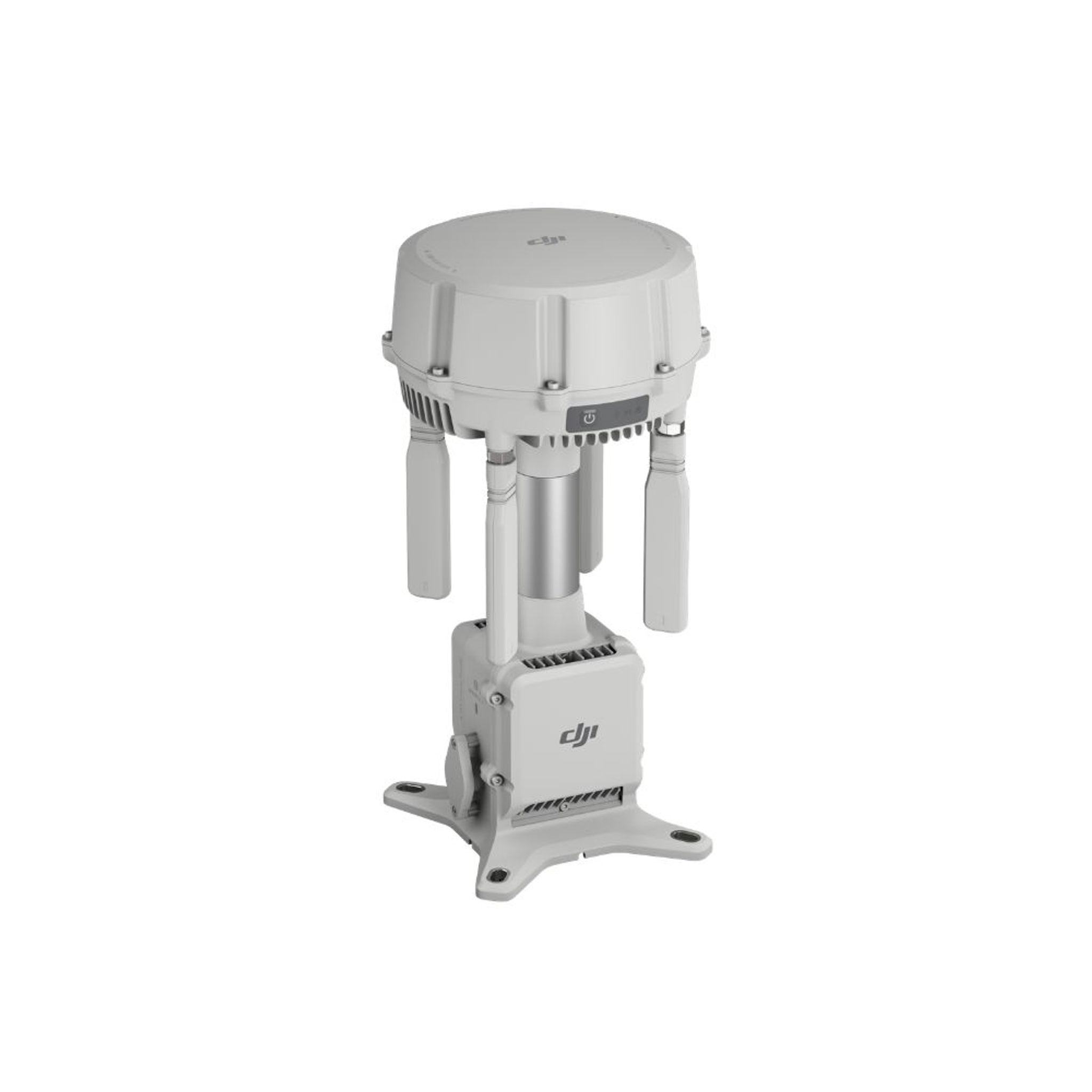
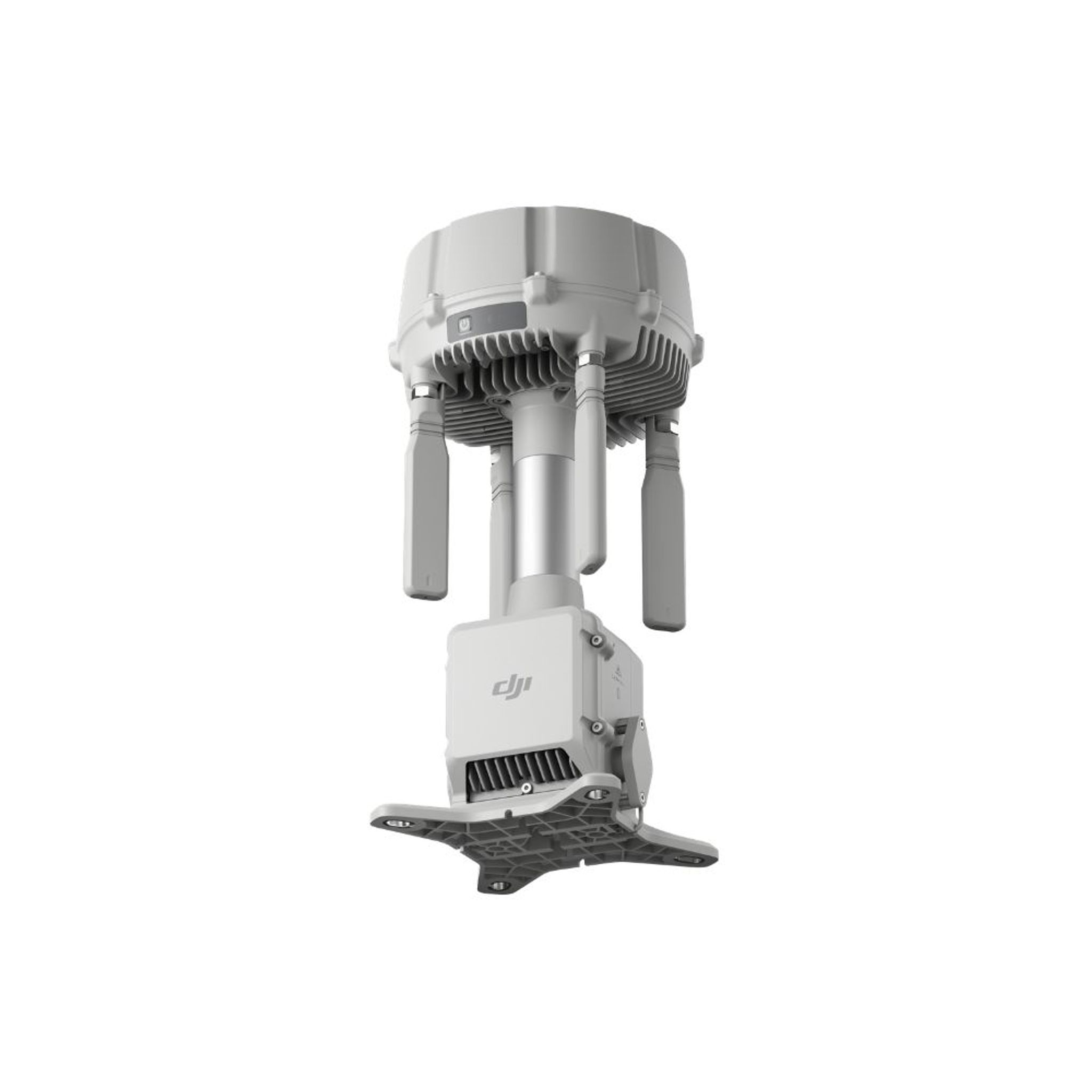
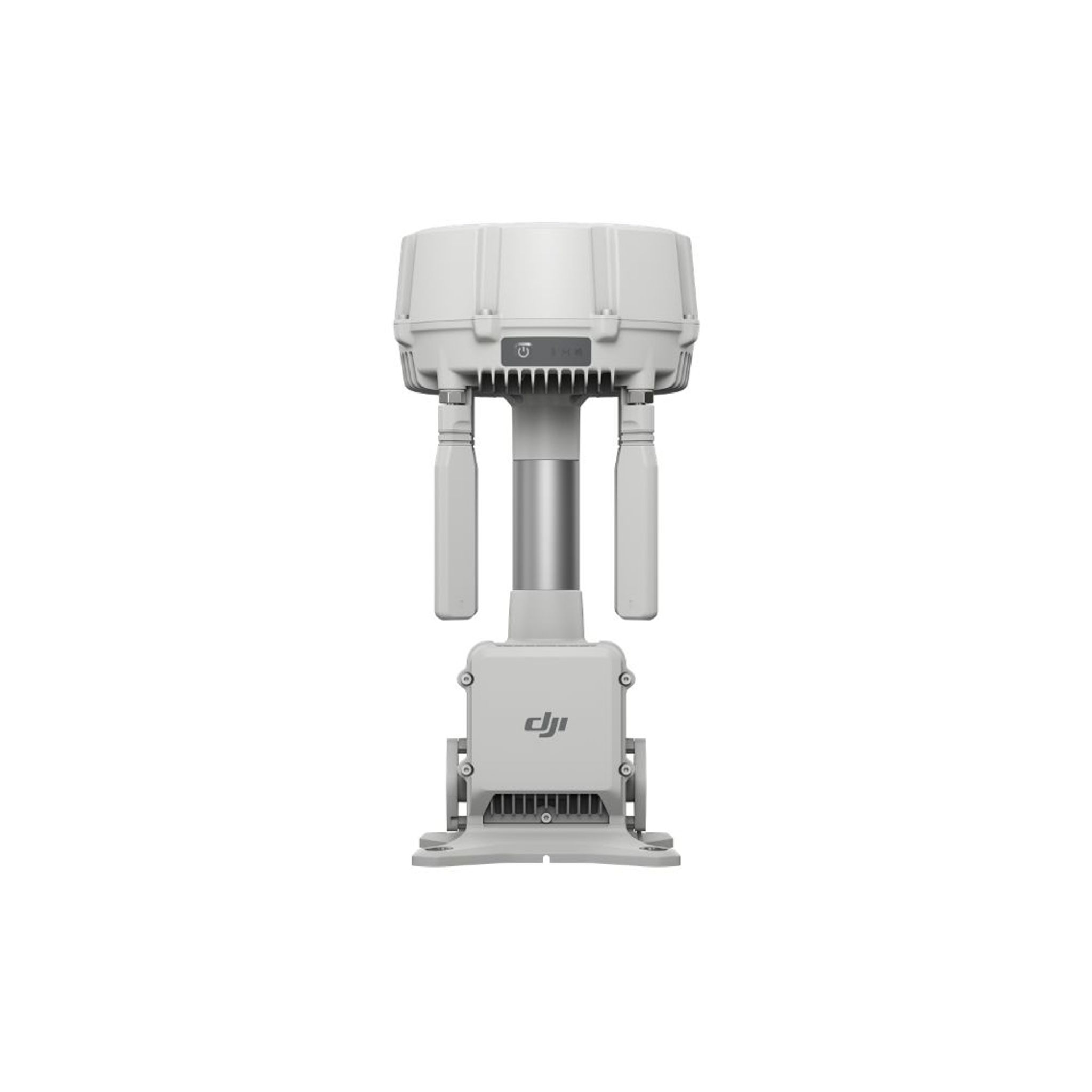
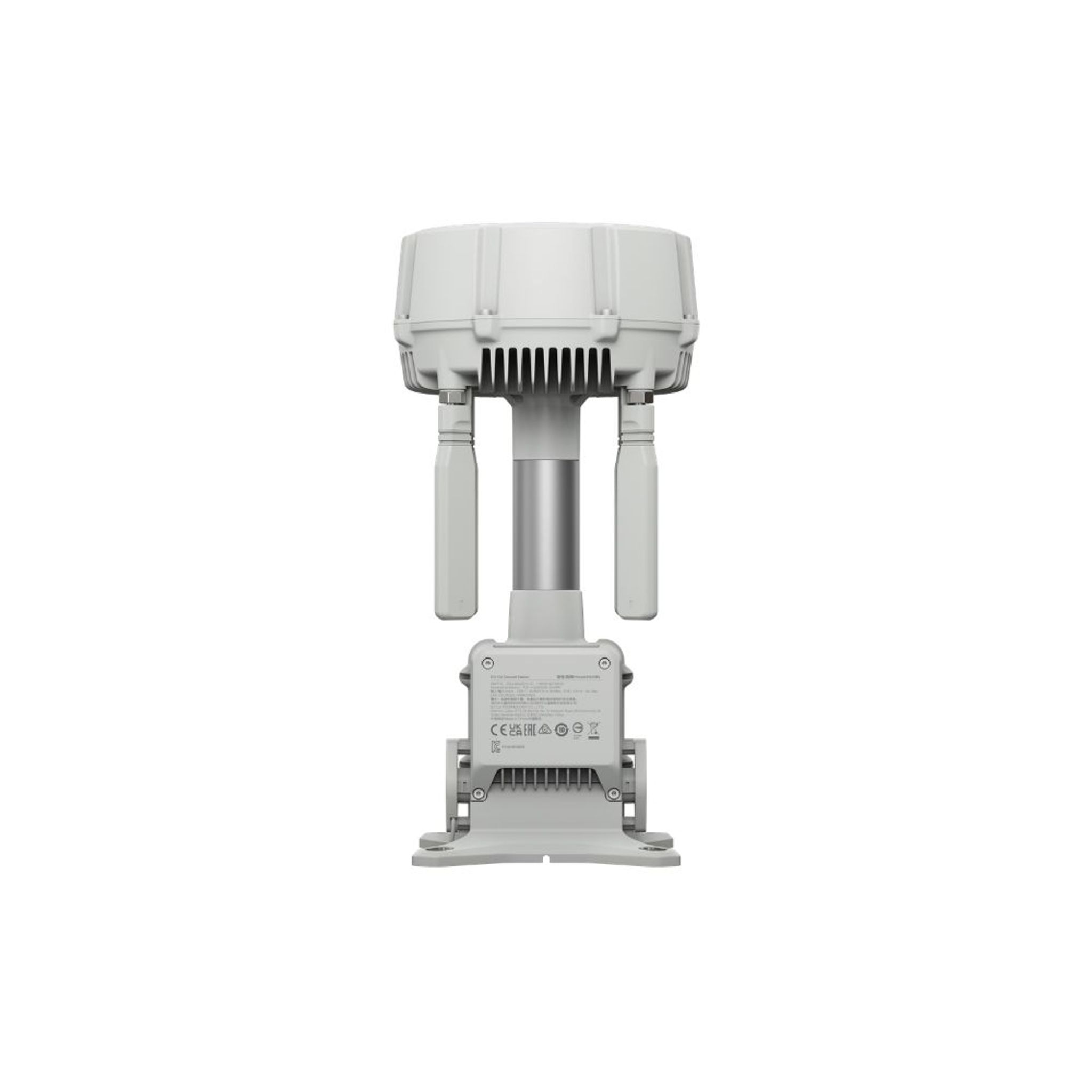
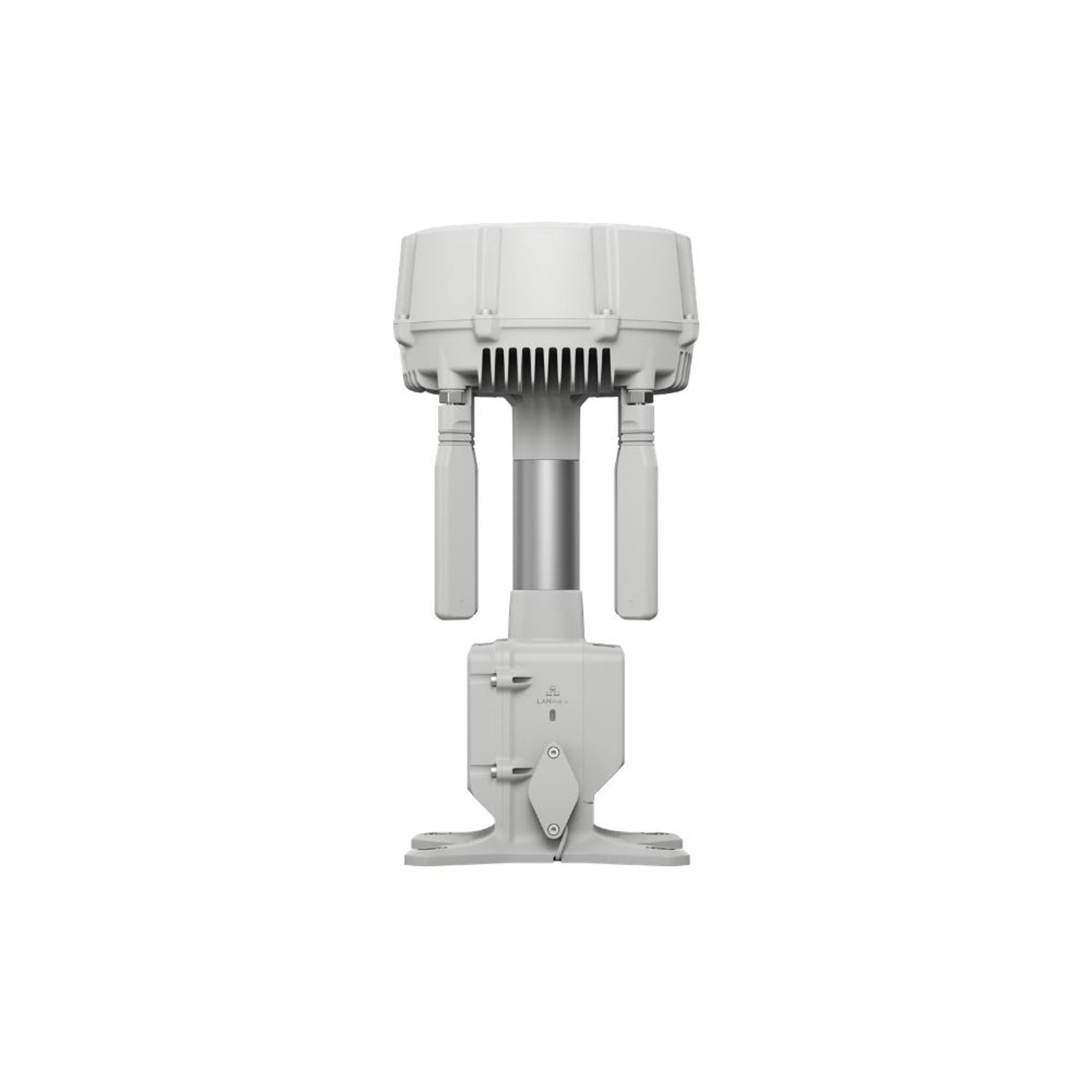
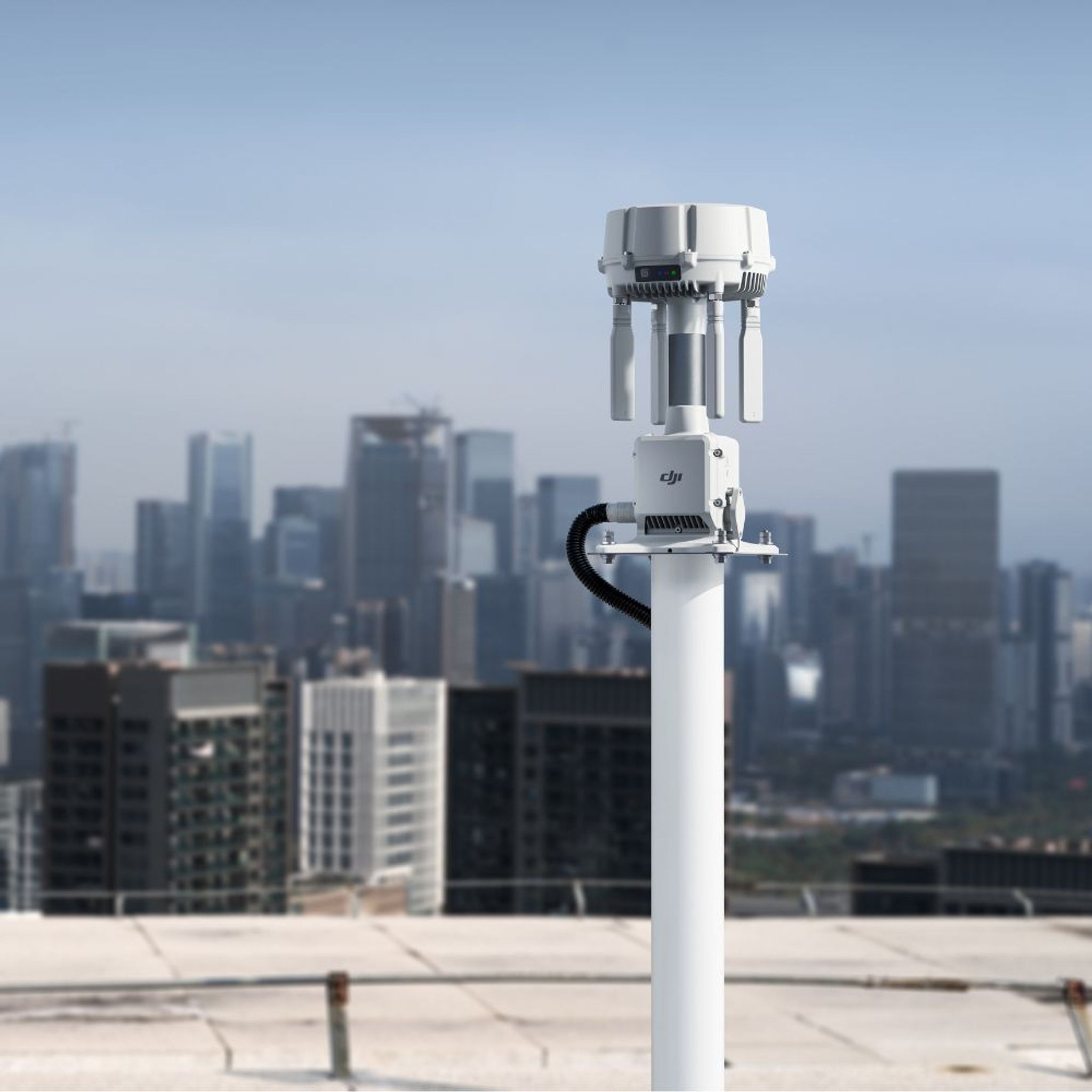
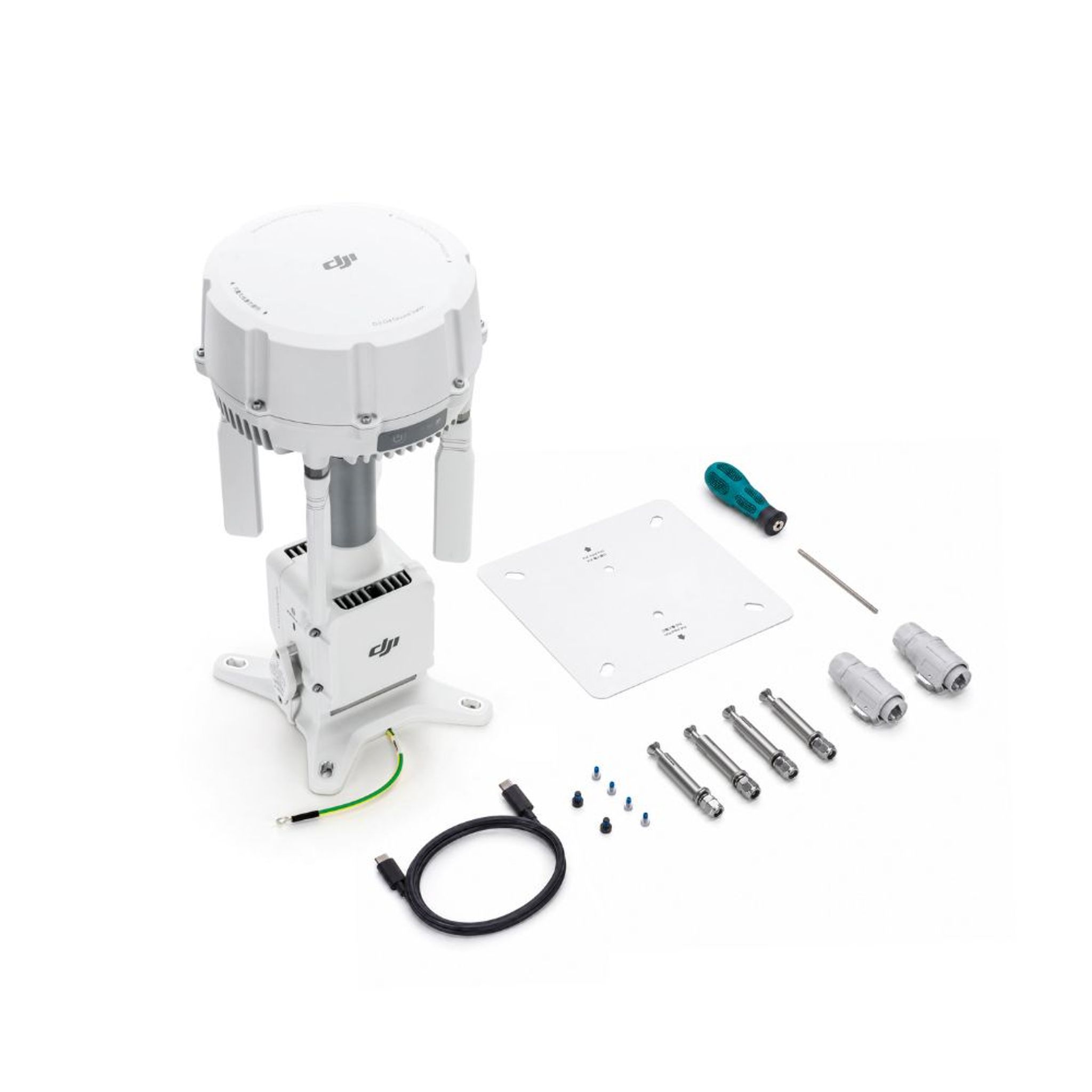
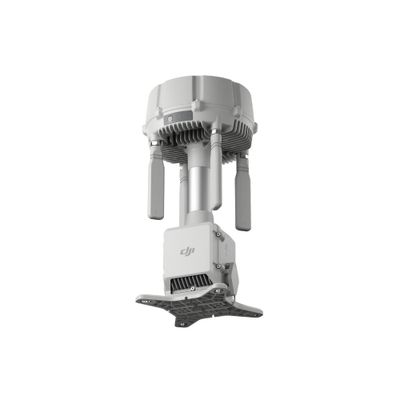
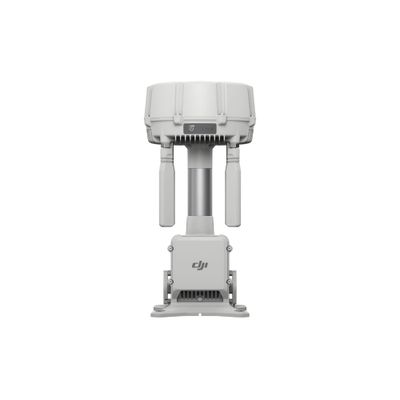
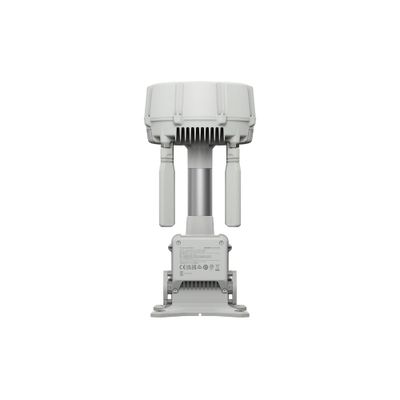
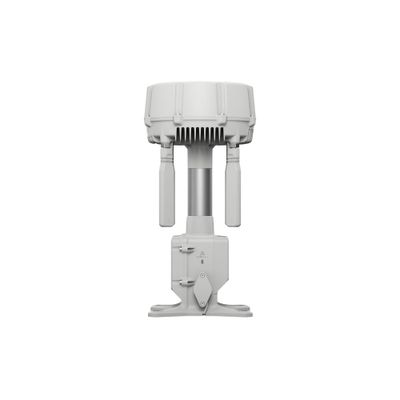
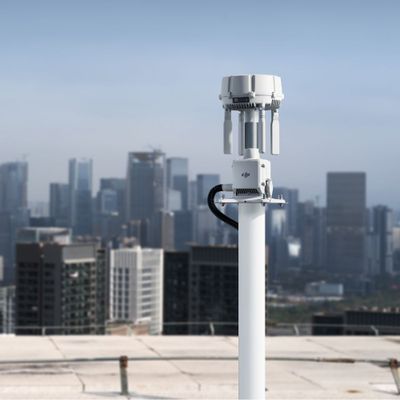
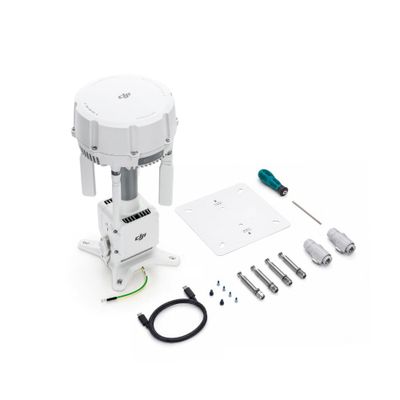
The DJI O4 Ground Station is the ground station that provides video transmission, RTK, and network connectivity to the DJI Dock 4. Place it in a high, unobstructed location for optimal coverage, and expand your network with additional stations using Multi-Station Roaming. In Relay Mode, it also functions as a standalone relay station for the Matrice 400 and Matrice 4 series in areas without network coverage.
Read more
Recommended accessories
Similar products
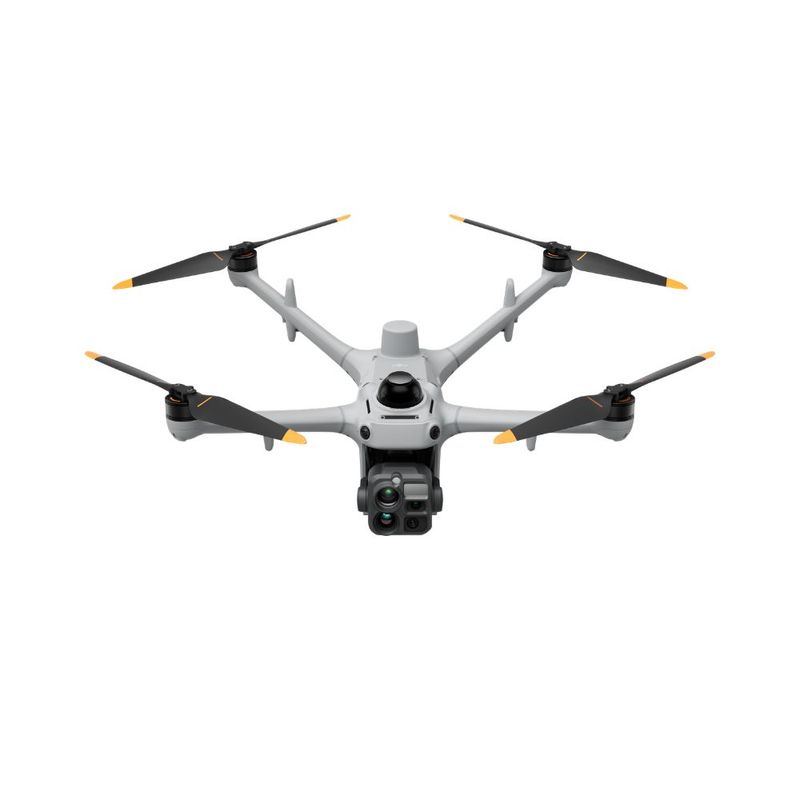
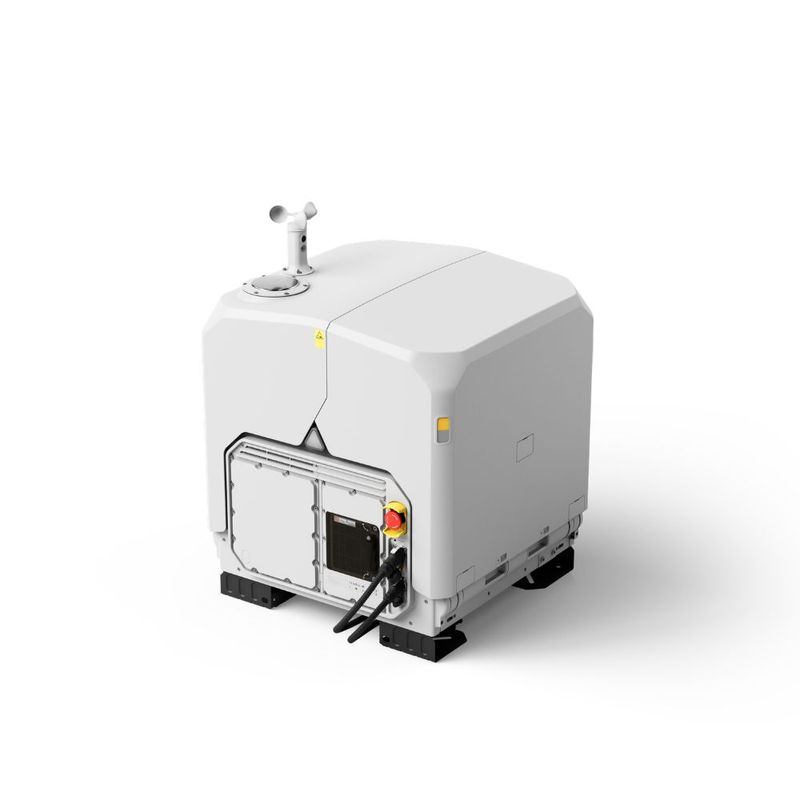
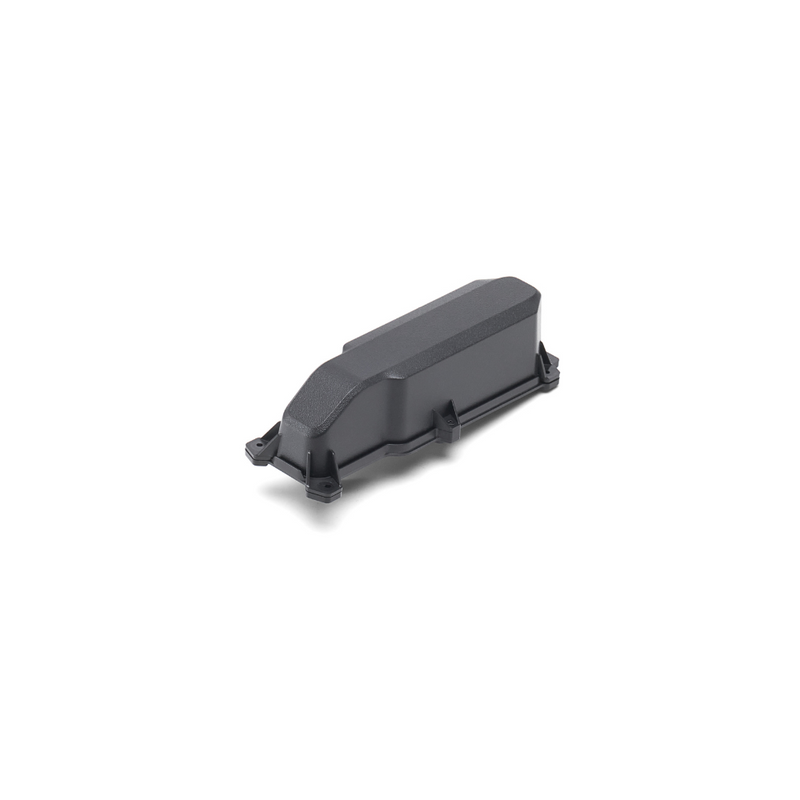
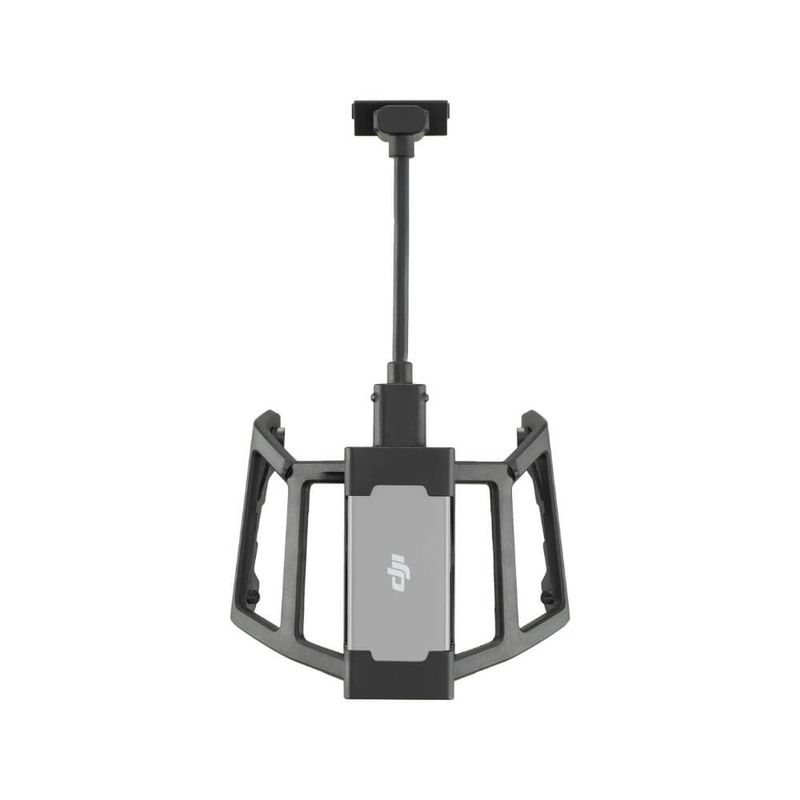
Description of DJI O4 Ground Station
Ground station for video link, RTK, and networking with the DJI Dock 4 and DJI drones. The O4 Ground Station is placed high up and unobstructed, where radio line-of-sight is optimal, and takes over the link to the drone. This allows the dock to be positioned where it best suits the operation, enables multiple stations to cover larger areas, and ensures the drone maintains contact even behind mountains, buildings, and forests.
The station has two operating modes. In Gateway Mode, it connects to DJI FlightHub 2 via Ethernet or 4G, which is how it’s used with the Dock 4. In Relay Mode, it functions as a standalone relay station without an internet connection for drones flown by remote control, such as in valleys or mines.
Compatibility
- DJI Dock 4: The O4 Ground Station is always required and is powered directly from the dock.
- Relay Mode with remote control: Matrice 400, Matrice 4E, Matrice 4T, Matrice 4D/4TD (DJI RC Plus 2 Enterprise), and FlyCart 100.
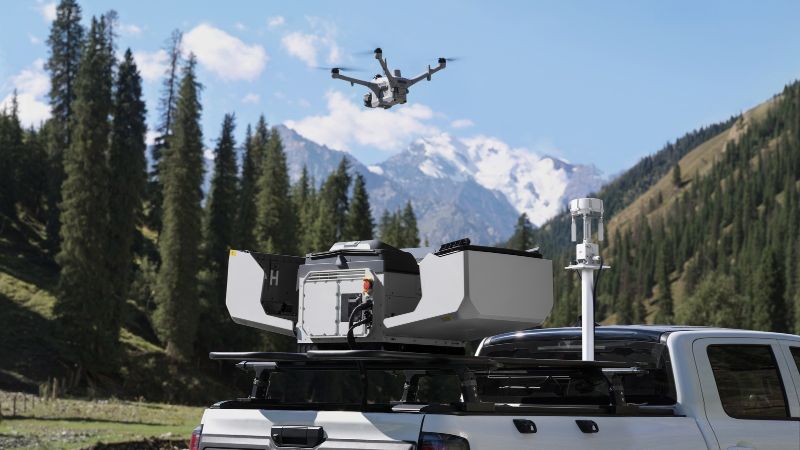
Gateway Mode with DJI Dock 4
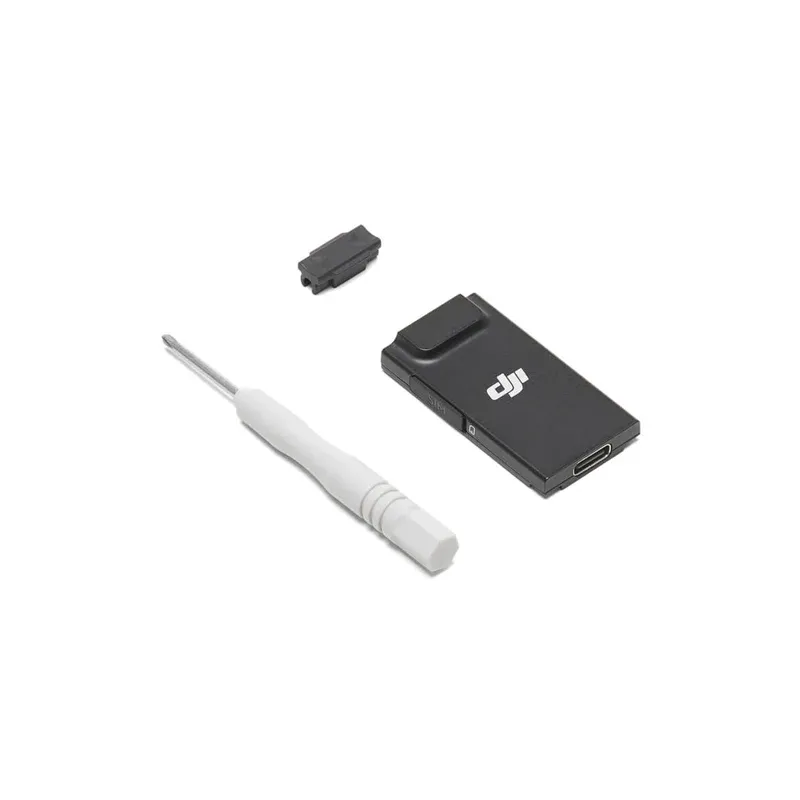
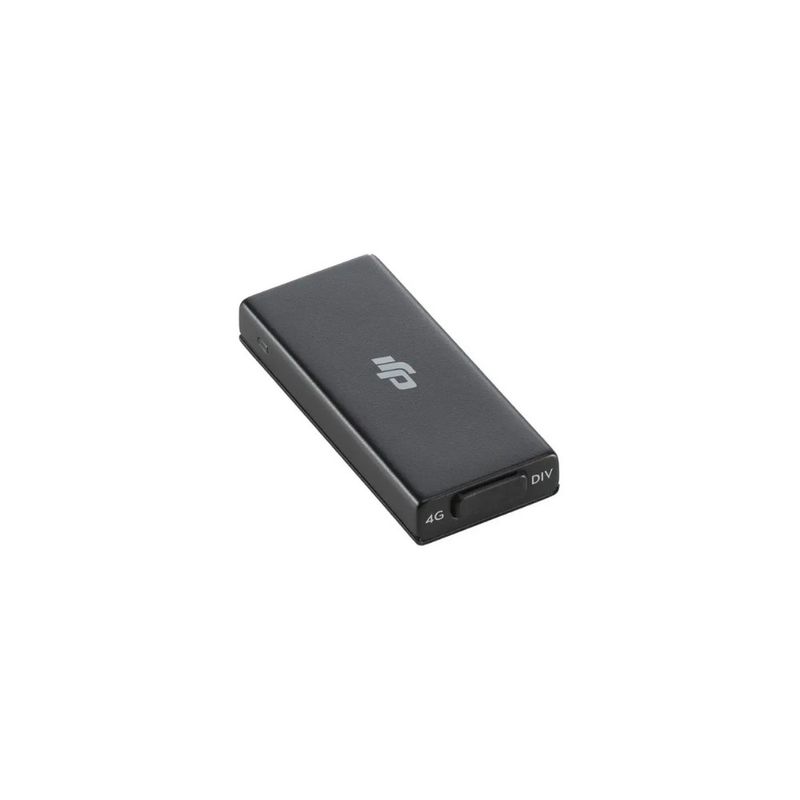
With Dock 4, the O4 Ground Station provides video link, RTK base, and network connectivity. It connects to the dock via a 1.5- to 80-meter Ethernet cable, which also powers the station (PoE). The station connects to DJI FlightHub 2 via Ethernet or the DJI Cellular Dongle 2. Place it in a high location with a clear line of sight to the dock, so the dock can be positioned where it’s most useful.
- Multi-Station Roaming: The drone automatically switches between multiple ground stations, allowing you to expand coverage step by step and eliminate dead zones.
- Signal Map: After a flight, FlightHub 2 displays a map of signal strength in the area, so you can see where the next station will be most effective.
- Virtual Cockpit: Within the station’s coverage area, the pilot can manually take over from FlightHub 2 and deviate from a planned route.
- Low Power Consumption: When no drone is connected, the station enters sleep mode and draws approximately 7 W.
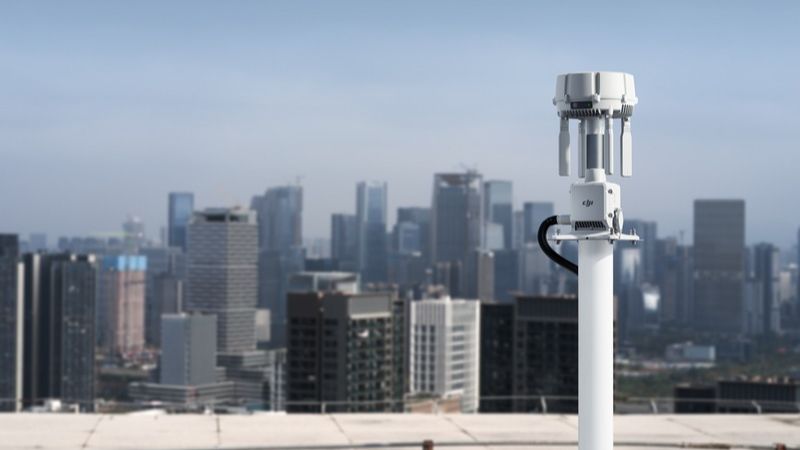
Relay Mode: Range without internet
In Relay Mode, the station is placed at an elevated location and extends the video link between the remote controller and the drone. This is the solution for locations without network coverage or with challenging topography, such as valleys, mines, tunnel construction sites, and densely built-up areas. Remote controllers in the vicinity can search for and connect to the station via Remote Access, allowing multiple teams to share the same station one after another.
The link between the remote controller and the station is recommended to be within 300 m, up to a maximum of 1 km. The station should therefore be located near the operator but at a high elevation, not out in the mission area. Off-grid, the station can be powered by solar panels (DJI Power or another solar power system, sold separately).
Radio Link and RTK
- 12 antennas—four external and eight internal—with horizontal and vertical polarization for coverage around the station.
- Frequencies: 2.4, 5.2, and 5.8 GHz.
- Range with clear line of sight and no interference: up to 12 km with the Dock 4 and Matrice 5TD, up to 25 km with the Matrice 400, and 18 km with other drones in Relay Mode. In practice, range depends on location, terrain, and interference.
- RTK base station with 5 systems and 19 frequencies (GPS, Galileo, GLONASS, BeiDou, QZSS, and L-band). After calibration against network RTK, the station provides 1 cm + 1 ppm horizontal accuracy.
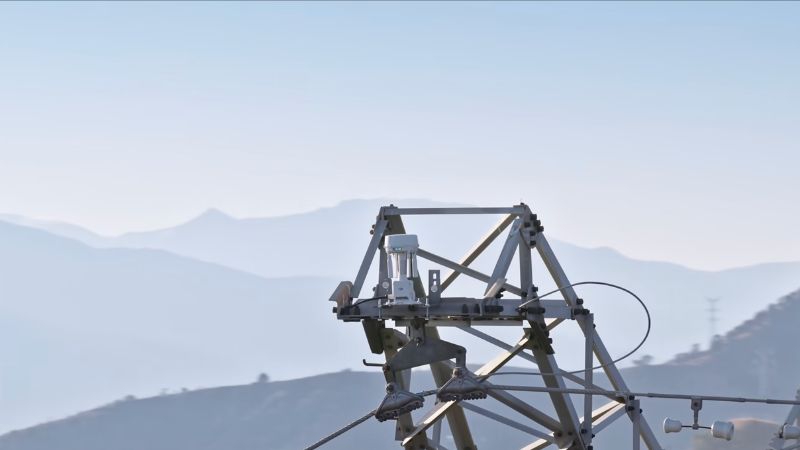
Built for outdoor use
The station is IP67- and IK07-rated, fanless, and operates from -40 to 55 °C. It automatically restarts after a power outage or software error, and a built-in backup battery keeps it running for approximately 45 minutes in Gateway Mode and 30 minutes in Relay Mode if the power goes out. The Ethernet ports feature surge protection in accordance with EN/IEC 61643-21 Category C for installation on masts and in rock.
With Dock 4, the station draws power from the dock. If used standalone in Relay Mode, PoE power is required, and the class is important for winter operation:
- PoE++ Type 4 (99.9 W): down to -40 °C.
- PoE++ Type 3 (60 W): down to -30 °C.
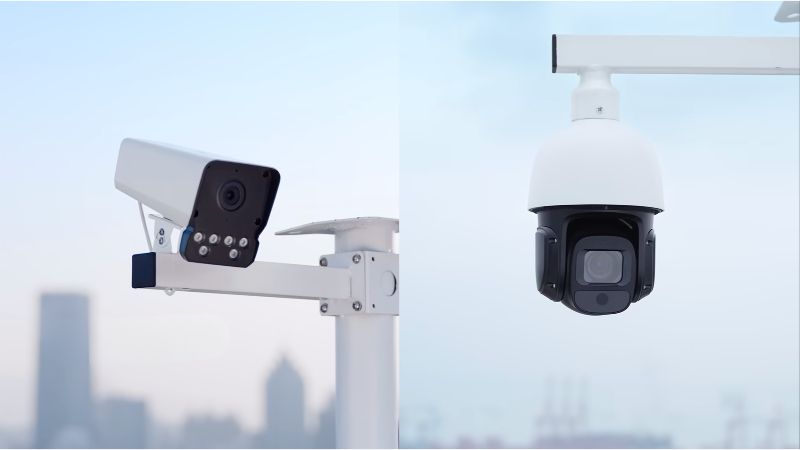
Cameras and Integration
In Gateway Mode, up to four IP cameras (ONVIF, H.264) can be connected to the station. The video feed is displayed directly in FlightHub 2, where you can also control PTZ cameras and receive alerts from the cameras themselves. Via ESDK 2.0 and the Cloud API (MQTT), the station can be connected to external Remote ID and ADS-B receivers to monitor nearby drones and manned aircraft.
Service and DJI Care
The O4 Ground Station comes with DJI Care Enterprise Plus, which includes an unlimited number of repairs within the coverage limit, shared coverage with other DJI Enterprise products registered within 30 days, and free shipping to and from the service center. The plan can be renewed for up to three years.
We’re here to help you every step of the way
The station’s location determines how well the entire system performs. We assist with site selection, networking and power supply, regulatory compliance and operating permits, as well as startup. Contact us for a quote or an initial consultation regarding your installation.
| Vikt | 2,68 kg |
| Mått | 17 × 17 × 35 cm (LxWxH) |
| Kapslingsklass | IP67, IK07 |
| Arbetstemperatur | -40 till 55 °C |
| Strömförsörjning | PoE |
| Strömförbrukning (viloläge) | 7 W |
| Strömförbrukning (max) | 65 W |
| Reservbatteri | 30 till 45 min drift |
| Driftlägen | Gateway, Relay |
| Antenner | 12 |
| Frekvenser | 2,4/5,2/5,8 GHz |
| 4G | Tillval (Dongle 2) |
| GNSS | Multiband |
| RTK | 1 cm + 1 ppm |
| IP-kamerastöd | Max 4 kameror |
Is the O4 Ground Station required for the DJI Dock 4?
Yes, the Dock 4 cannot be used without the O4 Ground Station. It provides video link, RTK, and network connectivity and is powered by PoE from the dock.
How far away from the dock can the station be placed?
The cable between the Dock 4 and the station should be 1.5 to 80 m long. Ensure a clear line of sight between them.
Can the station connected to a Dock 4 be used with other drones?
No, a station connected to a dock can only be used with the dock’s own drone.
How do I switch operating modes?
Press the power button three times, or switch modes in the DJI Enterprise app or DJI Assistant 2 (Enterprise Series). A purple light indicates Gateway Mode; a blue light indicates Relay Mode.
Does the station provide RTK to the drone?
Yes, in both modes after the station’s position has been calibrated.
Can I use my own antennas?
Yes, the external antennas have a standard RP-SMA connector.
Does the station power connected IP cameras?
No, the cameras require their own PoE switch or power adapter.
- The station handles one drone at a time.
- It does not replace the D-RTK 3 as a base or rover station for surveying.
- 4G requires the DJI Cellular Dongle 2 (sold separately).
- With Dock 4, the network should support at least 20 Mbit/s upload and download speeds (preferably 40 Mbit/s) and a maximum latency of 100 ms.
- Installation and activation are performed in the DJI Enterprise app, which requires an Android phone.